
← All platforms
Linux · Pardus
Remote Desktop Software for Linux and Pardus
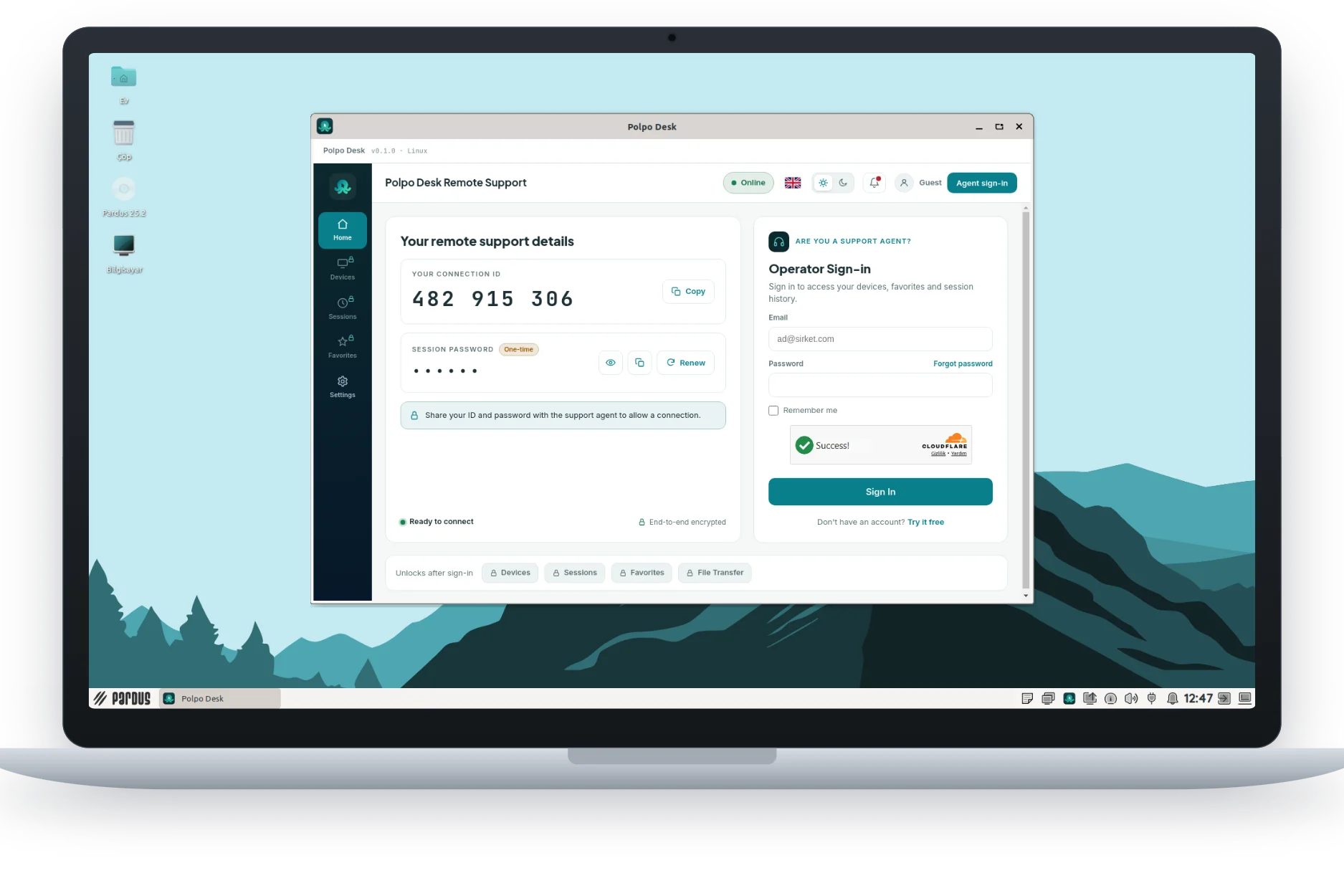
Receive and provide support in one app: open it, share your ID or connect to another device. File transfer and a shared clipboard are ready to use.
Pardus 25 and Debian 12 · x64 · X11 session
VersionBy downloading and using it you accept the Terms of Use and Privacy Policy.
System requirements
Operating systemPardus 25, Debian 12 or later
Desktop sessionX11 (Wayland isn't supported)
Processorx64, dual core or better
Memory2 GB RAM (4 GB recommended)
Disk~300 MB free space
InternetActive connection (broadband recommended)
Get started in three steps
Download and install
Double-click PolpoDesk.deb, or install it from a terminal in the file's folder:
sudo apt install ./PolpoDesk.debOpen Polpo Desk
Open it from the applications menu. Your connection ID and session password appear.
Connect
Share your ID to receive support, or sign in as an operator to connect to another device.
What you can do on Linux
- Screen sharing, including multiple monitors
- Remote control with mouse and keyboard
- Two-way file transfer, including folders
- Shared clipboard for text and files
- Connect to other devices as an operator
- End-to-end encrypted sessions
Not on Linux yet
- Privacy screen
- Unattended access and service: the app must be open to receive support
- Remote restart
- One-click updates: reinstall the package for a new version