AnyDesk and TeamViewer Alternatives: 2026 Comparison
We compared AnyDesk, TeamViewer, Alpemix and Polpo Desk on pricing, setup, security and team management. Which remote desktop tool fits you best?
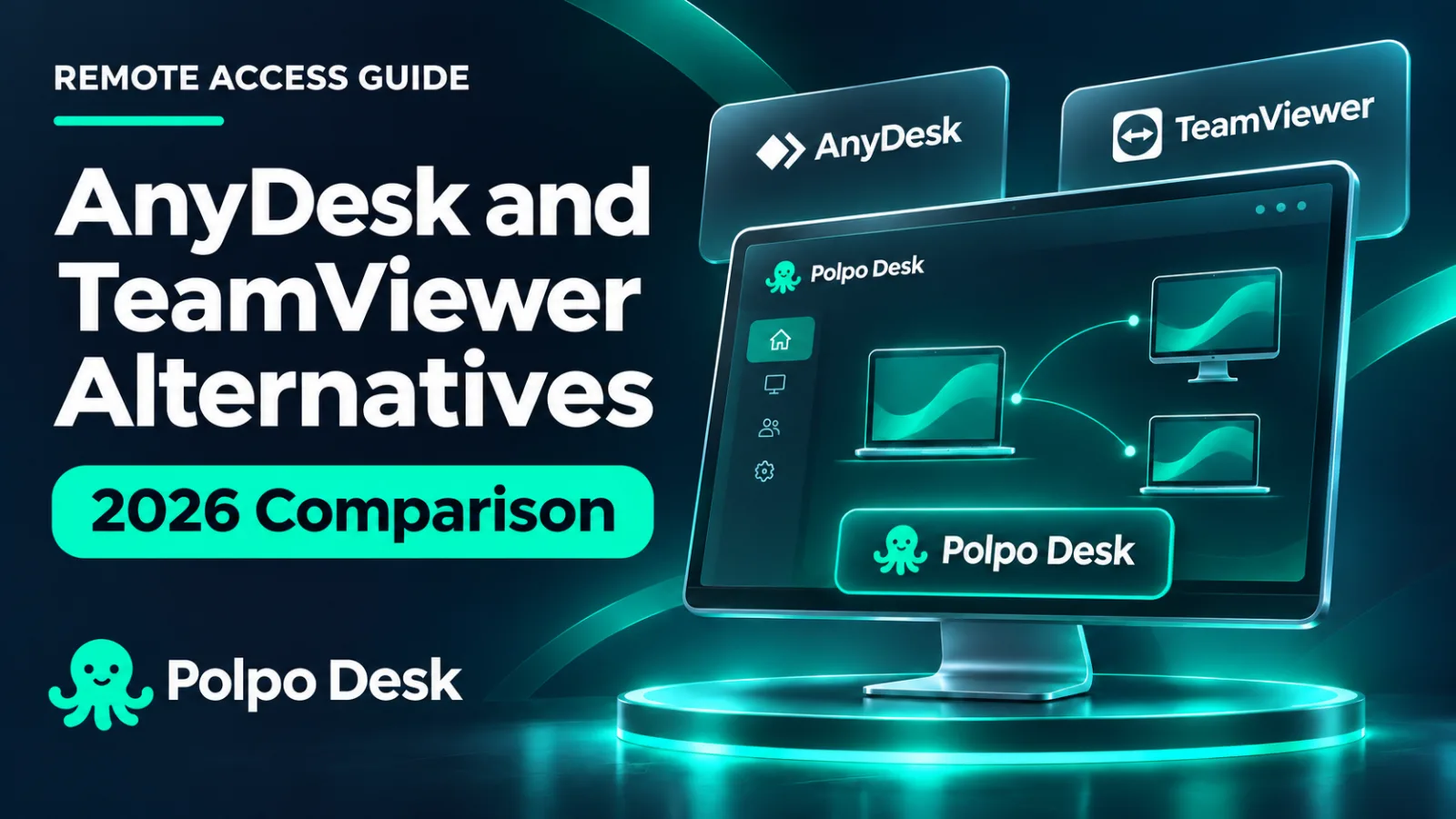
For years, two names have dominated remote support: AnyDesk and TeamViewer. In 2026, though, many support teams are taking a second look. Annual upfront subscriptions, surprise "commercial use detected" warnings on free versions and the need to buy a separate license for every technician are pushing businesses to look for alternatives.
In this article we put four tools side by side: Polpo Desk, AnyDesk, TeamViewer and Alpemix, a tool developed in Turkey. Our goal isn't to declare a winner. We want to show honestly which tool shines in which situation. We build Polpo Desk, so we've also been clear about where the other tools are stronger.
Why are people looking for alternatives?
These are the reasons we hear most often from support teams:
- Annual upfront billing: Most plans are paid a year in advance, which ties up budget and makes it hard to scale down.
- Per-seat pricing: Every new technician who joins the team adds a license to the bill.
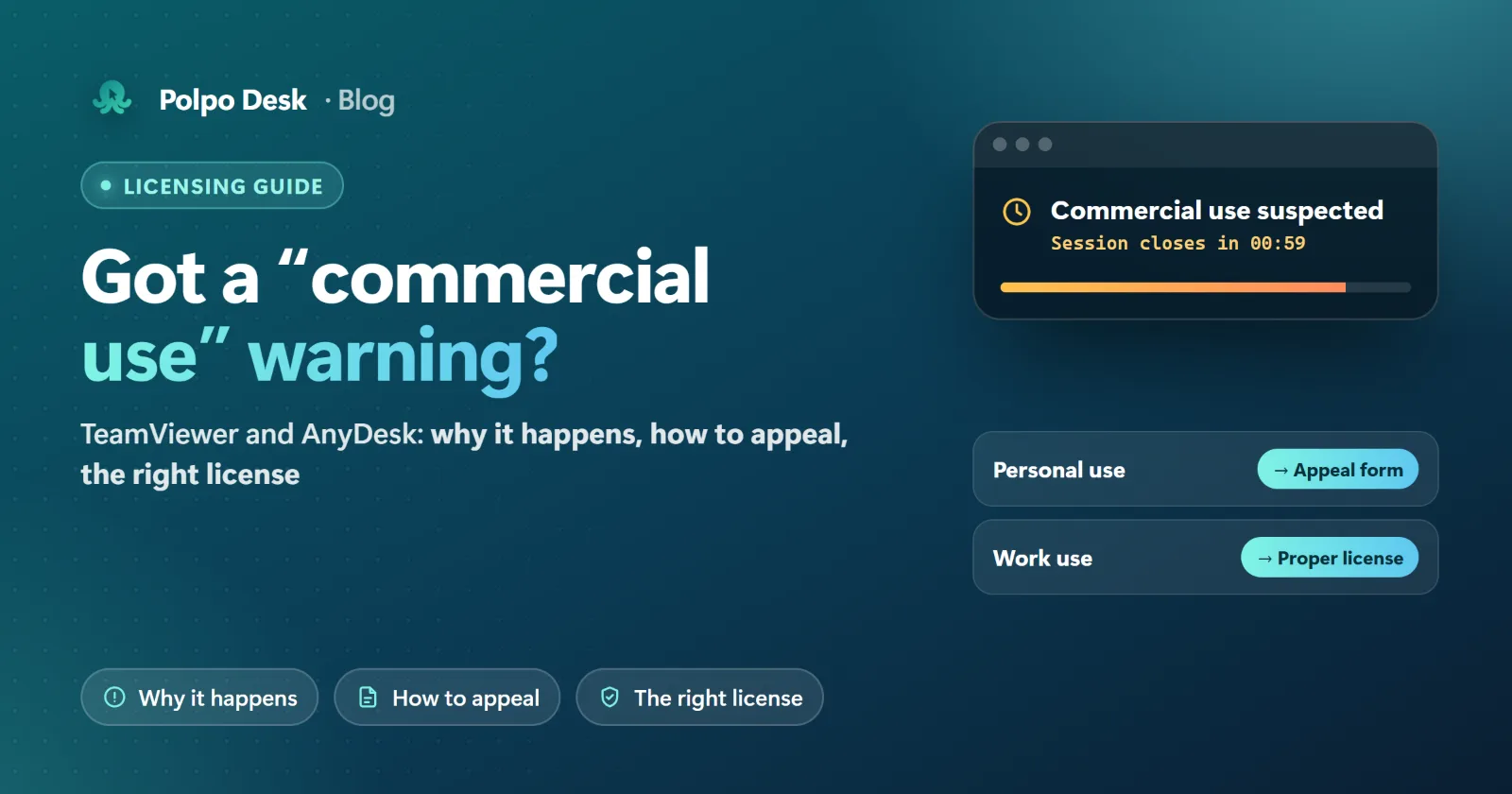
- Unclear free use: Free versions are for personal use only. Users frequently report sessions being restricted after the software "detects" commercial use following short, frequent connections.
- Mandatory installation: The person giving support also needs an app on every computer they use. Connecting quickly from a customer's PC, a hotel lobby computer or a brand-new laptop becomes a hassle.
- Trust and transparency: In February 2024 AnyDesk disclosed a security breach of its production systems and revoked its code-signing certificates and reset user passwords. The incident led many companies to review the tools they rely on.
The four tools in brief
Polpo Desk
An end-to-end encrypted remote desktop and support tool. Its most distinctive feature is that the operator console runs directly in a web browser, so the person giving support doesn't need to install anything. On the computer being supported, a lightweight client runs on Windows, macOS and Linux (Debian-based distributions). Plans can be paid monthly, and several users are included in a single plan.
AnyDesk
A German tool known for being lightweight and for smooth video even on low bandwidth. It has clients for almost every platform. Paid plans are tiered by users and concurrent connections, and billing is usually annual.
TeamViewer
One of the oldest and most comprehensive players in the market. Beyond remote access it offers device management, augmented-reality field support and enterprise integrations. That breadth usually puts it at the top end of the price range.
Alpemix
A remote connection tool developed by Teknopars in Turkey. It runs on Windows, macOS, Android and iOS, with Linux support (Pardus and Ubuntu) offered in beta. It has a free and a Pro edition, and licenses are tied to the user account rather than the computer.
Line-by-line comparison
The table below is based on each vendor's official website and widely used price-tracking sources (November 2026). Because competitor prices change often, we list the pricing model rather than exact figures. Always check the current price on the vendor's website before buying.
| Feature | Polpo Desk | AnyDesk | TeamViewer | Alpemix |
|---|---|---|---|---|
| Free use | Personal use; 1 user, 60 min per day, 10 saved devices. Limits are stated up front. | Personal, non-commercial use | Personal, non-commercial use | Free edition; Pro for commercial use |
| Paid plan model | Several users included per plan. Pro: €27.50 / $27.50 per month + VAT, 5 users and 5 concurrent connections. | Tiered by users / connections | Tiered by licensed users and sessions | Pro license per user account |
| Billing | Monthly or yearly, card payment | Mostly annual, paid upfront | Mostly annual, paid upfront | Paid license (see vendor) |
| Install on the support side | Not needed: connect from the browser. Windows / macOS apps also available. | Desktop app | Desktop app; web client on licensed accounts | Desktop or mobile app |
| Computers you can connect to | Windows 10/11, macOS 13+, Linux (Debian, Pardus) | Windows, macOS, Linux and more | Windows, macOS, Linux and more | Windows, macOS, Linux (beta) |
| Connect from a phone | Android app (Google Play); iPhone coming soon | Android, iOS | Android, iOS | Android, iOS |
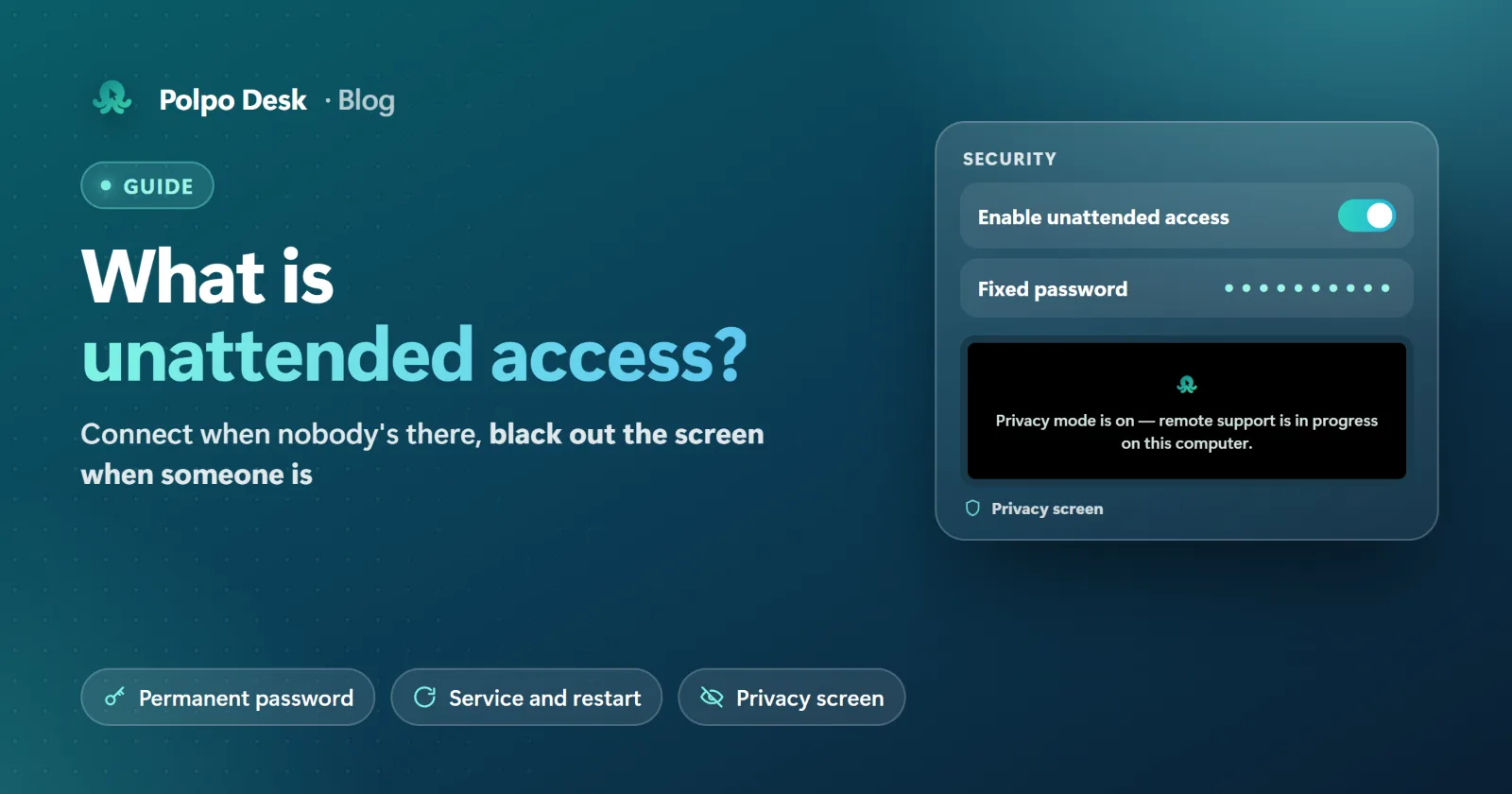
| Unattended access | Yes: service install and permanent password; reconnects automatically after a restart | Yes | Yes | Yes |
| Privacy screen (blank the remote screen) | Yes (Pro and above) | Yes | Yes | Yes |
| Team management | Roles, web panel, session and audit reports (Excel/PDF), team status | Management console on higher plans | Extensive management console | Main account + sub-users, connection reports |
| Two-step verification for accounts | Yes (authenticator app + recovery codes) | Yes | Yes | Not stated on the official site |
| Encryption | WebRTC DTLS-SRTP, end-to-end | TLS 1.2, RSA 2048 key exchange | AES-256, RSA 4096 key exchange | 256-bit AES (vendor's claim) |
| Interface languages | 6 languages (EN, DE, FR, PT, NL, TR) | Many languages | Many languages | Several languages |
Seven things that set Polpo Desk apart
1. Connect from your browser, nothing to install on the support side
The Polpo Desk operator console is a web app. As soon as you sign in to the panel in Chrome, Edge, Safari or Firefox, all your devices are in front of you. There's nothing to download when you're at a customer's site, on a computer without admin rights or on a freshly set-up laptop. This is standard on every plan, including the free one. Prefer a desktop app? Windows and macOS versions are available too.
2. Priced per plan, not per seat
With international tools, every technician who joins the team usually means a new license. With Polpo Desk, users are included in the plan:
- Pro: 5 users and 5 concurrent connections for €27.50 / $27.50 per month + VAT.
- Business: 25 users and 50 concurrent connections for €69 / $69 per month + VAT.
Need more connections during a busy period? You can add concurrent connections to paid plans and only pay for the remaining days of the billing period. Details are in the pricing section.
3. Free plan rules you can see up front
The free plan is for personal use, and its limits are written down clearly: 1 user, 1 concurrent connection, 60 minutes per day and 10 saved devices. No surprise "commercial use detected" in the middle of a session. You know exactly how much you can use before you start.
4. Privacy screen: the other side can't see what you're doing
While you're doing maintenance on a server or handling something sensitive on an accounting PC, you can blank the remote screen and show your own message on it. You keep seeing the real screen. The privacy screen is available on Pro and above.
5. Several operators on the same computer
For a tricky problem you may want to bring a second expert into the session. With Polpo Desk, several operators can connect to the same computer at the same time. The owner of the computer sees who is connected and can disconnect any operator with one click.
6. Security in the details
- End-to-end encryption: Video, keyboard and mouse data are decrypted only at the two ends, using WebRTC's DTLS-SRTP protocol. It's an open, continuously audited standard also used by banking and video-calling apps.
- Approved connections: Every connection starts either with the other side's approval or with the correct password. The connection request shows the operator's name, company and photo, so it's clear who is connecting.
- Two-step verification: Protect accounts with an authenticator code, with recovery codes in case a phone is lost.
- Brute-force protection: Failed password attempts are limited.
- Auditing: All sessions and admin actions are logged.
More details are in the Help Center.
7. Simple to roll out, simple to pay for
Monthly billing with no annual lock-in suits small and growing teams. The interface speaks six languages, so every team member works in their own. The Linux client runs on Debian-based distributions, and support requests go straight from the panel to our team.
When is another tool a better fit?
To be honest, no tool is the best at everything.
- Choose TeamViewer if you manage a fleet of thousands of devices from one place, need device management (MDM) and ITSM integrations, or want augmented-reality remote assistance for field teams. TeamViewer has a very broad ecosystem here.
- Choose AnyDesk if you often connect over very weak internet links, or need to reach less common platforms such as Raspberry Pi or ChromeOS. AnyDesk's platform coverage is wide.
- Choose Alpemix if you're in Turkey and want a domestic tool with communication features such as voice calls during a session (Windows) or group messaging. If you need an iPhone app today, Alpemix and the others are currently a step ahead.
- Choose Polpo Desk if you run a support team of 1–50 people, want your operators to connect from anywhere without installing anything, and want predictable pricing that doesn't multiply as the team grows.
Quick notes: RustDesk and Chrome Remote Desktop
RustDesk is open source and can be hosted on your own server, which makes it interesting for organisations with a strong technical team that want to run their own infrastructure. Server maintenance, updates and security are then your responsibility. Chrome Remote Desktop is free and simple; it's fine for occasional personal connections but offers no team management, reporting or business controls.
Which should you choose? A three-question checklist
- How many people give support? Compare the total cost of per-seat licensing with a model where users are included in the plan.
- Where do your operators connect from? Always the same office PC, or from the field, from home and from different devices? If it's the latter, connecting from a browser saves a lot of time.
- How do you want to pay? If annual prepayment doesn't suit your cash flow, look for monthly billing without a long commitment.
Conclusion
AnyDesk and TeamViewer are mature, powerful tools, and Alpemix fills an important gap as a domestic option in Turkey. Polpo Desk adds three things to the picture: a browser console with nothing to install, pricing where users are included in the plan, and a modern, end-to-end encrypted foundation.
The best way to decide is to try it. Create a free account, download the client on the computer you want to reach and start your first session in a few minutes. No credit card required.
Note: Information about competing products was compiled from the vendors' official websites and public sources as of November 2026. Features and prices may change over time; please visit the vendor's website for current information. AnyDesk, TeamViewer and Alpemix are trademarks of their respective owners.