TeamViewer "Commercial Use Suspected" and AnyDesk Time Limits: Why It Happens and What to Do
Sessions cutting out after a few minutes? Why the commercial use warning appears, how to appeal, what not to do, and how to pick the right license for work.
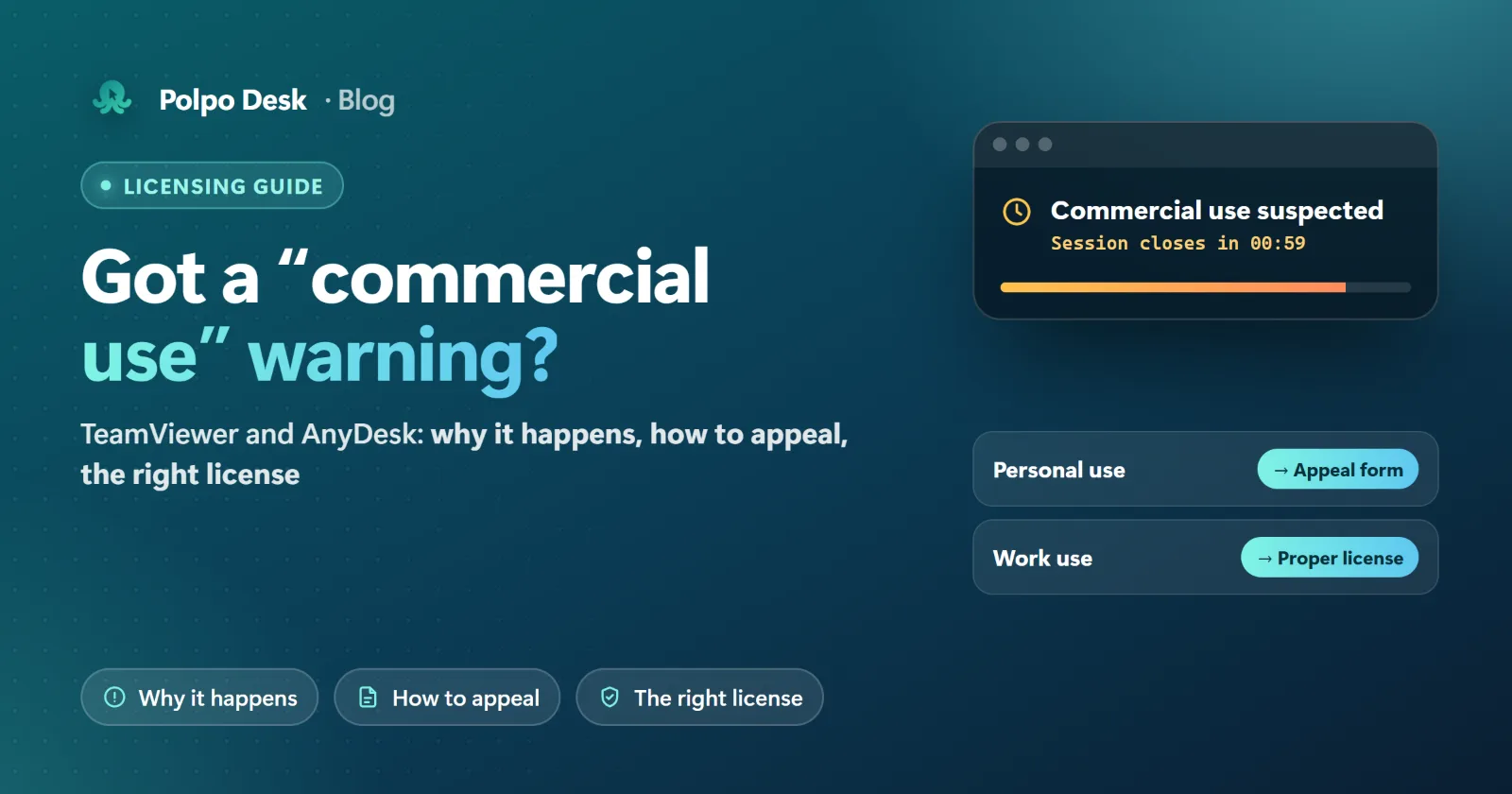
The connection drops on its own after a few minutes, the screen says "Commercial use suspected" or "Commercial use detected", and reconnecting is blocked for a while. Many people using the free versions of TeamViewer and AnyDesk run into this. It isn't a bug. It's a licensing rule. This guide explains what the warning means, how to appeal if your use really is personal, what to avoid, and which option is right if you use remote access for work.
What does the warning mean?
The free versions of both tools are for personal, non-commercial use only. They look at how you connect, and if your usage looks work-related, your ID gets flagged. After that, sessions may end quickly and reconnecting may be blocked for a while. Neither vendor publishes exactly which behavior triggers the flag.
| TeamViewer | AnyDesk | |
|---|---|---|
| Free version is for | Helping family and friends, connecting to your own non-server devices that aren't used in a commercial environment | Private, non-professional use |
| What you see | Commercial use suspected / detected, or a session timeout | Commercial use detected, or a pop-up saying you need a license for work |
| If you were flagged by mistake | Reset request form: filled in in English, up to 10 IDs per form | Whitelist request on the Commercial use page |
| Review time | The confirmation says 72 hours; the stated goal is within 7 business days | No published timeframe; cases are reviewed individually |
Sources: TeamViewer knowledge base: Commercial use suspected, AnyDesk: Commercial use. Rules can change, so check the current text before you decide.
What counts as commercial use?
Not getting paid isn't enough on its own. According to the vendors' own explanations, these count as commercial use:
- Supporting customers, resellers or coworkers. AnyDesk explicitly lists remote support as professional use.
- Connecting from home to your office computer. Both vendors treat this as commercial; TeamViewer says even a quick check of work email counts.
- Anything paid for directly or indirectly. TeamViewer also includes working at a non-profit where you or someone else receives a salary.
- Monitoring devices running a server operating system (TeamViewer).
- Incoming connections. TeamViewer evaluates connections made to you, not only the ones you start.
If your use really is personal: how to appeal
TeamViewer
- Open the reset form from the link in the Commercial use suspected article.
- Enter your name, the email address registered with TeamViewer and a short description of how you use it, in English.
- List every ID involved: your own and the devices you connect to (up to 10 per form).
- Submit and watch your inbox, including spam. Don't resubmit for the same ID; requests are handled in order and a new form restarts the clock.
- After the reset, restart the TeamViewer service and test. If private use is still in doubt, you may be offered a declaration of private use to sign.
AnyDesk
- Send a whitelist request from the AnyDesk Commercial use page; each case is reviewed individually.
- If you already have a license, sign in with your AnyDesk account or enter your license key so you're identified correctly.
- According to AnyDesk, free users can create a free AnyDesk account to extend connection time and avoid timeouts.
What not to do
- ID reset tools, cracks and registry tricks. They break the license agreement, and tools from unknown sources can carry malware. That risk is far bigger in software that gives full access to your computer.
- Uninstalling and reinstalling. TeamViewer states that uninstalling does not remove the suspicion.
- Declaring work use as personal. It only postpones the problem, and the real risk lands on your company in an audit or a contract dispute.
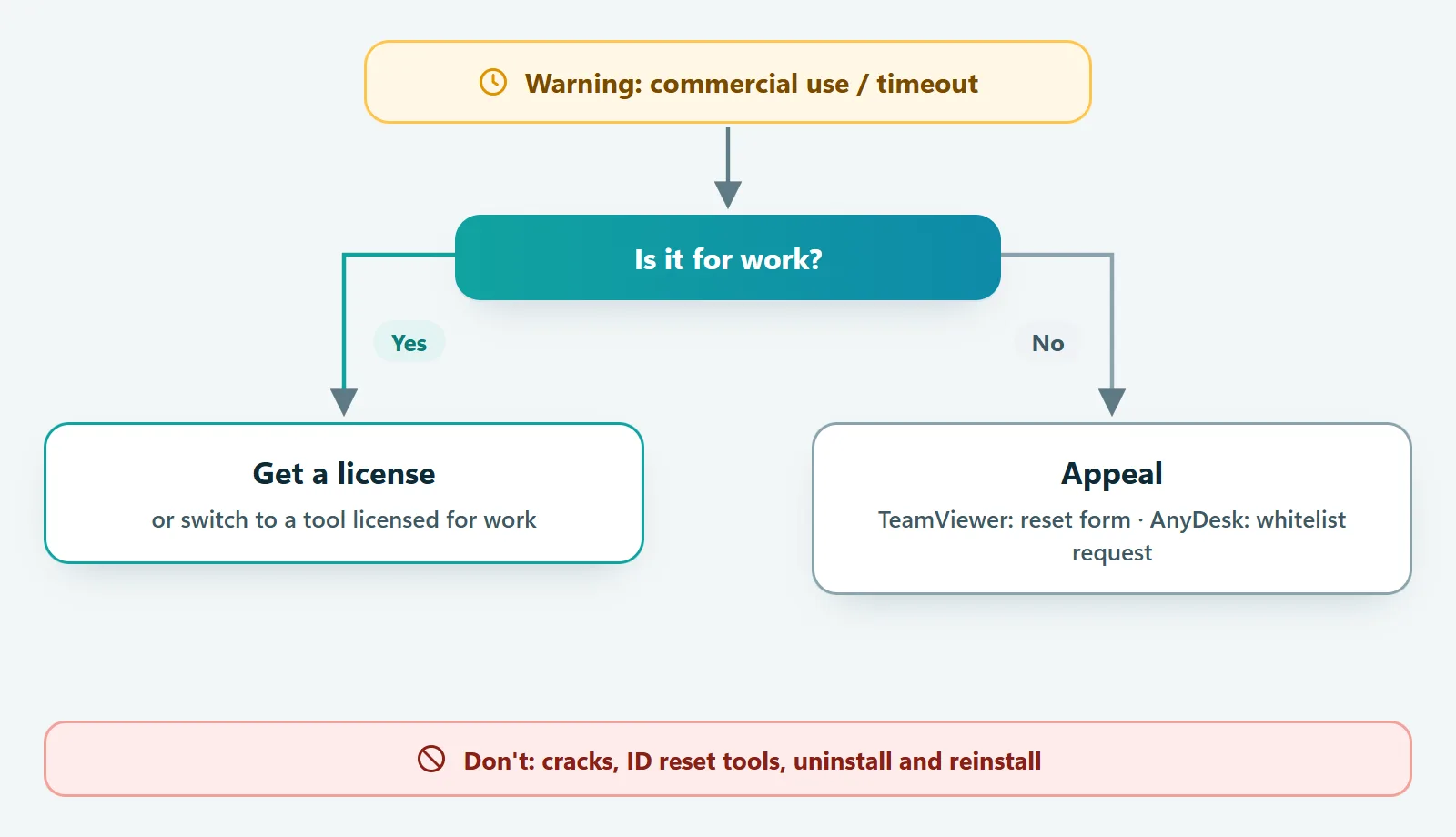
If you use it for work: the real fix is a license
If remote support is part of your job, the lasting fix is a paid license: either for the tool you already use, or for another one that fits your needs and budget. When you compare, ask:
- Price and invoicing: Which currency? Are taxes included? Who issues the invoice, and from which country?
- Billing period: Is monthly billing available, or only yearly? How does renewal work?
- What's included: How many users, concurrent connections and devices?
- Features you need: Unattended access, file transfer, mobile, Linux, connecting from a browser?
- Security: Is the connection end-to-end encrypted? Where are passwords verified? Is there two-step verification and a session log?
What about Polpo Desk?
To be upfront: Polpo Desk's free plan is also for personal use only. Customer support and use inside a business need a paid plan (Pro, Team or Business); see our Terms of Use. The difference is that the rules and limits are spelled out from the start:
- Limits are on the plan card: users, concurrent connections, address book size and any daily time limit, so you know in advance where the limits are.
- Local currency: prices are shown in euros in Europe (Turkish lira in Türkiye, US dollars elsewhere). Choose monthly or yearly and pay by card or bank transfer. Invoices are kept as PDFs in the panel.
- No surprise renewals: 7 days before your period ends, a renewal order awaiting payment is created and emailed to you. You complete the payment yourself.
- Built for teams: from the Pro plan you get multiple users, roles and privacy mode, plus session and audit reports you can export to Excel or PDF.
- Security: sessions are end-to-end encrypted with WebRTC DTLS-SRTP. Connection passwords are verified on the remote computer itself, not on our servers. Two-step verification is available too.
- Platforms: apps for Windows, macOS, Linux and Android, and you can connect from a browser without installing anything.
See current plans and prices in the pricing section, and the details of each limit in Plans and limits.
Frequently asked questions
I help a friend's business for free. Is that commercial?
Most likely, yes. Supporting a company's computers counts as business use under most licenses, and TeamViewer treats anything "directly or indirectly paid for" as commercial. The vendor makes the final call; if you're unsure, read the license terms.
Is connecting from home to my own work computer personal use?
No. Both TeamViewer and AnyDesk count connecting from home to your workplace computer as commercial use.
How long does an appeal take?
TeamViewer's confirmation says 72 hours, with a goal of resolving requests within 7 business days. AnyDesk doesn't publish a timeframe.
Will uninstalling and reinstalling fix it?
No. TeamViewer states that uninstalling doesn't remove the commercial use suspicion. The lasting fixes are an appeal or a proper license.
Conclusion
The commercial use warning means you've hit the limit of the free version. If your use is genuinely personal, use the official appeal route. If it's for work, skip the workarounds and move to a license that fits your budget. If you want clear limits and prices up front, paid in your local currency, give Polpo Desk a try.