Best Free Remote Desktop Software in 2026: 8 Options, Honestly Compared
Looking for free remote desktop software? The limits, strengths and best use of Polpo Desk, Chrome Remote Desktop, RustDesk, AnyDesk, TeamViewer and more.
You don't need to pay to fix a problem on your mom's computer, reach a file on your own PC from home or help a friend out. There's plenty of free remote desktop software. But "free" means different things from one tool to the next: some cap your time, some allow personal use only, and some expect you to run your own server. We put eight options through the same questions.
We make Polpo Desk, so we've been upfront about where the other tools are strong. Everything here comes from the vendors' official pages as of November 2026. Limits can change, so check the current terms before you decide.
Before you choose: 5 questions
- What's it for? Helping family, reaching your own computer, or work. Most free versions don't allow work use.
- Who's on the other side? Will someone be at the computer, or do you need to connect when nobody's there? The second needs unattended access.
- Which devices? Windows, macOS, Linux or a phone. Some tools only run on Windows.
- What's the limit? Daily or monthly time, time per connection, number of devices.
- How much effort? Click and connect, or do you need to run a server or open ports?
Quick comparison
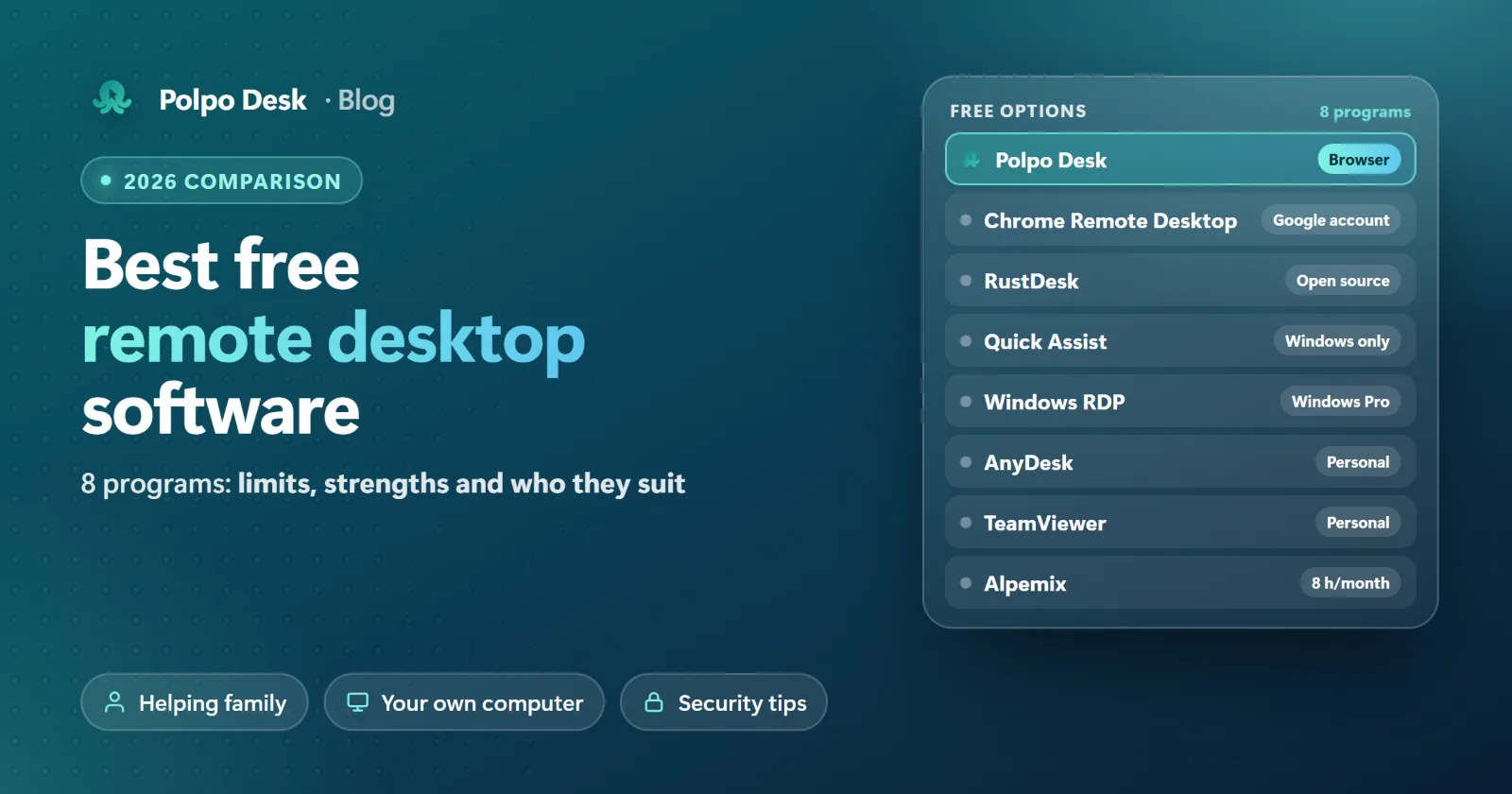
| Program | Best for | Free version limit | Connect when nobody's there |
|---|---|---|---|
| Polpo Desk | Helping family, your own computer, connecting from a browser | Personal use; 1 user, 10 saved devices, 60 min a day | Yes (permanent password) |
| Chrome Remote Desktop | Reaching your own computer | Needs a Google account; support sharing asks for confirmation every 30 minutes | Yes (PIN) |
| RustDesk | Technical users who run their own server | Management features are in the paid Pro server | Yes |
| Windows Quick Assist | One-off help on Windows | Windows only; the helper needs a Microsoft account | No |
| Windows Remote Desktop (RDP) | Your own PC on a local network or over VPN | The PC you connect to must run Windows Pro | Yes |
| AnyDesk (free) | Personal use | Sessions are restricted if commercial use is detected | Yes |
| TeamViewer (free) | Personal use | Session timeouts if commercial use is suspected | Yes |
| Alpemix (free) | Short support sessions, Turkish-made | 8 hours of support a month, 45 min per connection | 4 hours a month with a permanent password |
8 free remote desktop programs
1. Polpo Desk (Free plan)
An end-to-end encrypted remote desktop and support tool. The person giving support can connect from a browser without installing anything. The computer you connect to runs the Windows, macOS or Linux app, and you can also connect from your phone with the Android app.
- Strengths: Browser access, file transfer, multiple monitors and unattended access are included in the free plan too. Connections are end-to-end encrypted with WebRTC DTLS-SRTP, and connection passwords are verified on the remote computer itself, not on a server. The limits are spelled out on the plan card.
- Watch out: The free plan is for personal use only. As of November 2026 it's limited to 1 user, 1 concurrent connection, 10 saved devices and 60 minutes a day.
2. Chrome Remote Desktop
Google's free tool. You connect to Windows, macOS and Linux computers from the Chrome browser or the mobile app.
- Strengths: Easy to set up with a Google account. You can always reach your own computer with a PIN, and support sessions use a one-time access code.
- Watch out: When sharing for support, the person at the computer is asked every 30 minutes to confirm they want to keep sharing. On Linux it opens a separate desktop session rather than the one on screen. It isn't built for team, reporting or support management.
3. RustDesk
Open-source remote desktop software under the AGPL license. You can run the server that brokers connections yourself.
- Strengths: You can run the free server on your own machine for as long as you like, and the code is open.
- Watch out: Running your own server takes technical know-how. The web console, two-factor authentication, address book and audit log are in the paid Pro server, which is billed yearly only.
4. Windows Quick Assist
The help tool built into Windows 10 and 11. The helper generates a security code and the person getting help enters it.
- Strengths: Nothing extra to install, and it works on Windows Home.
- Watch out: Windows only. The helper has to sign in with a Microsoft account. It can't connect when nobody's at the computer, and every session needs a new code.
5. Windows Remote Desktop Connection (RDP)
Windows' own remote desktop feature. It lets you work as if you were sitting at the computer.
- Strengths: Free, built into Windows and fast on a local network.
- Watch out: The computer you connect to needs Windows Pro, Enterprise or Education; you can't connect to Windows Home. Over the internet you need a VPN, because exposing port 3389 invites attacks. Connecting locks the session of whoever is at the computer, so it suits using your own PC remotely more than helping someone.
6. AnyDesk (free version)
A lightweight tool that runs on nearly every platform.
- Strengths: Fast and widely used; the free version includes file transfer and a small number of managed devices.
- Watch out: The free version is for private, non-professional use only. If your usage looks work-related, sessions can be restricted.
7. TeamViewer (free version)
One of the oldest and most comprehensive tools in the market.
- Strengths: Broad platform support, and free for helping family and friends.
- Watch out: The free version is for personal use. If commercial use is suspected, sessions time out, and even connecting from home to your work computer counts as commercial.
8. Alpemix (free version)
A remote connection tool made in Türkiye. It runs on Windows, macOS, Android and iOS, with Linux (Pardus, Ubuntu) support in beta.
- Strengths: Turkish interface and local support.
- Watch out: According to its official comparison table, the free version allows 8 hours of support a month in total, 4 hours a month with a permanent password and 45 minutes per connection. The service app is in the Pro version.
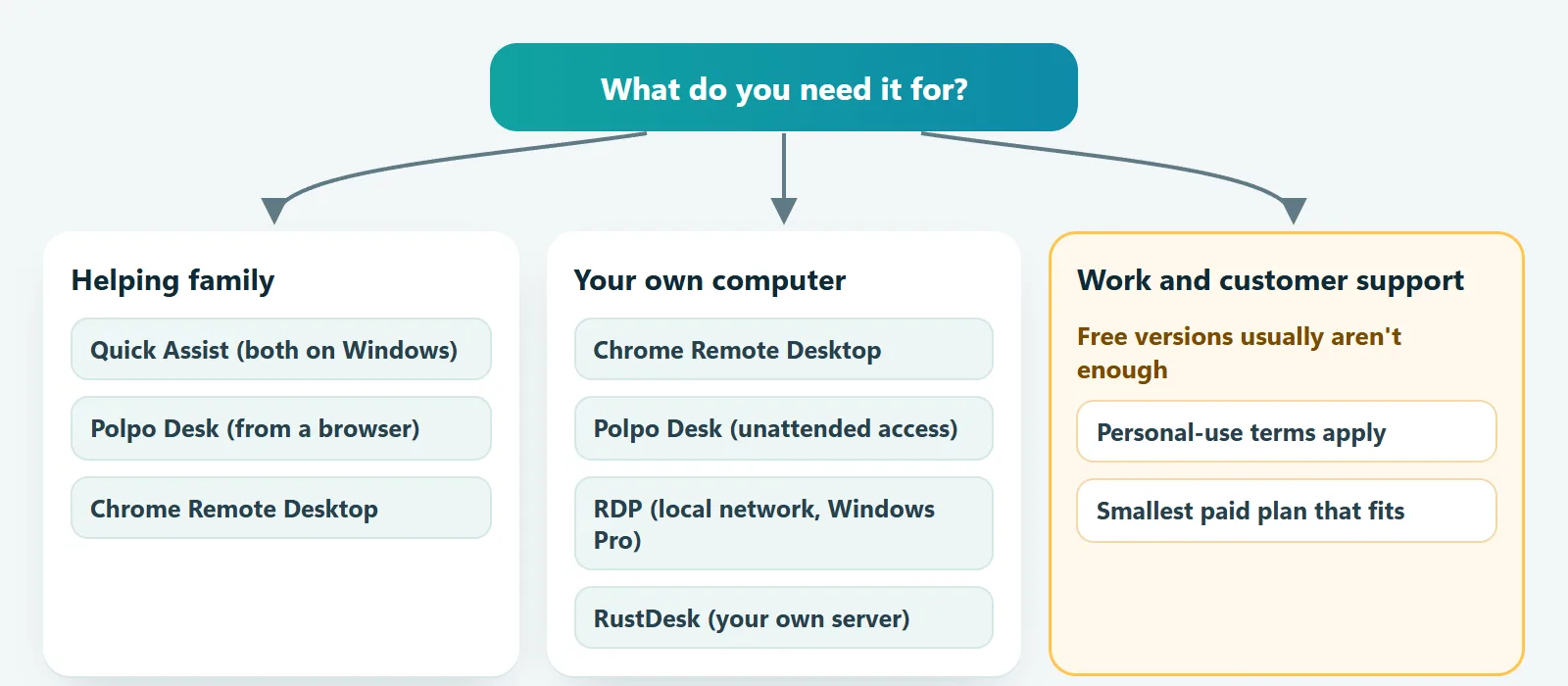
Which one is right for you?
- Helping a parent or a friend: if both of you use Windows, Quick Assist is enough. With mixed devices, or if you want to connect from a browser without installing anything, try Polpo Desk or Chrome Remote Desktop.
- Reaching your own computer from home: Chrome Remote Desktop or Polpo Desk's unattended access. On a local network with Windows Pro, RDP works well too.
- You're technical and want to run everything yourself: RustDesk with your own server.
- Work, customer or internal support: most free versions don't cover it. Move to a paid license; more below.
When isn't free enough?
If you support customers, resellers or coworkers, or even connect from home to your work computer, the free versions of AnyDesk, TeamViewer and Polpo Desk don't cover it. We explain the warnings you'll run into and what to do in TeamViewer "commercial use suspected" and AnyDesk time limits. For work, the cheapest route is usually not a workaround but the smallest paid plan that fits. See Polpo Desk's plans in the pricing section.
4 security rules for free tools
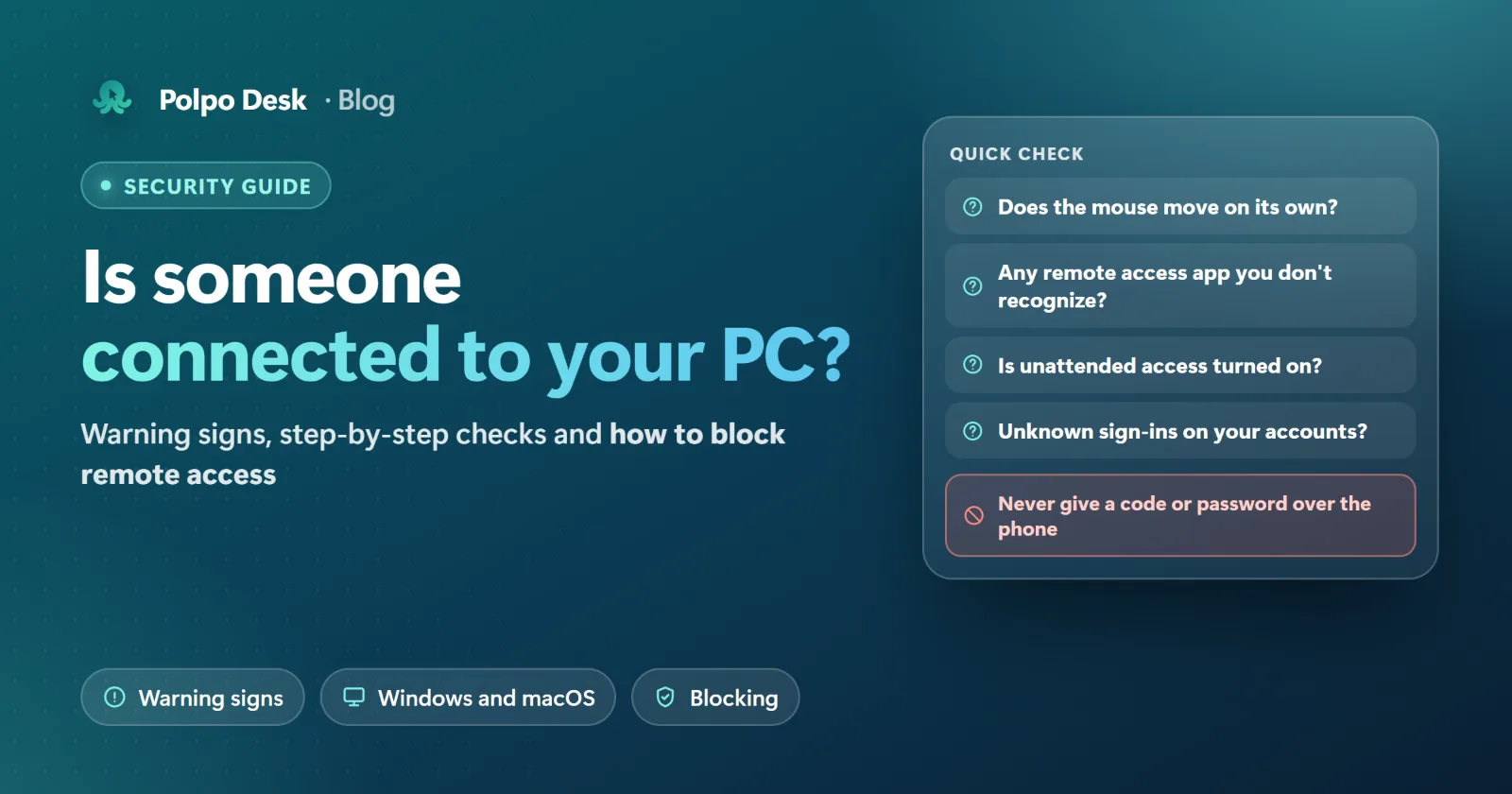
- Never give a code or password to someone you don't know. Handing a remote access code to a caller claiming to be from your bank, Microsoft or a help desk is the most common scam.
- Download only from the official site. Fake download pages can spread malware.
- Turn on unattended access only if you need it, and use a strong, unique password.
- Don't open ports. Instead of exposing ports like RDP (3389) to the internet, use a VPN or a tool that doesn't need open ports.
Frequently asked questions
Is there remote desktop software that's completely free with no limits?
The closest option is open-source RustDesk running on your own server, but setting up and running that server is up to you. Chrome Remote Desktop is free too, with limited support and team features.
Can I connect from my phone to my computer for free?
Yes. Chrome Remote Desktop's mobile app and Polpo Desk's Android app both do this for free. AnyDesk, TeamViewer and Alpemix have mobile apps too.
Is free remote desktop software safe?
Well-known tools downloaded from their official sites encrypt the connection. The real risk is usually not the software but a code or password ending up with the wrong person. Follow the four rules above.
Can I use a free version for work?
Not with AnyDesk, TeamViewer or Polpo Desk; their free versions are for personal use only. For the other tools, check the license terms against how you plan to use them.
Conclusion
There's no single "best free remote desktop software", only the one that fits what you need. Quick Assist is great for quick help on Windows, Chrome Remote Desktop for your own computer, and RustDesk for people who want full technical control. If you want a tool that works across devices and from a browser, with limits that are clear from the start, try Polpo Desk's free plan.